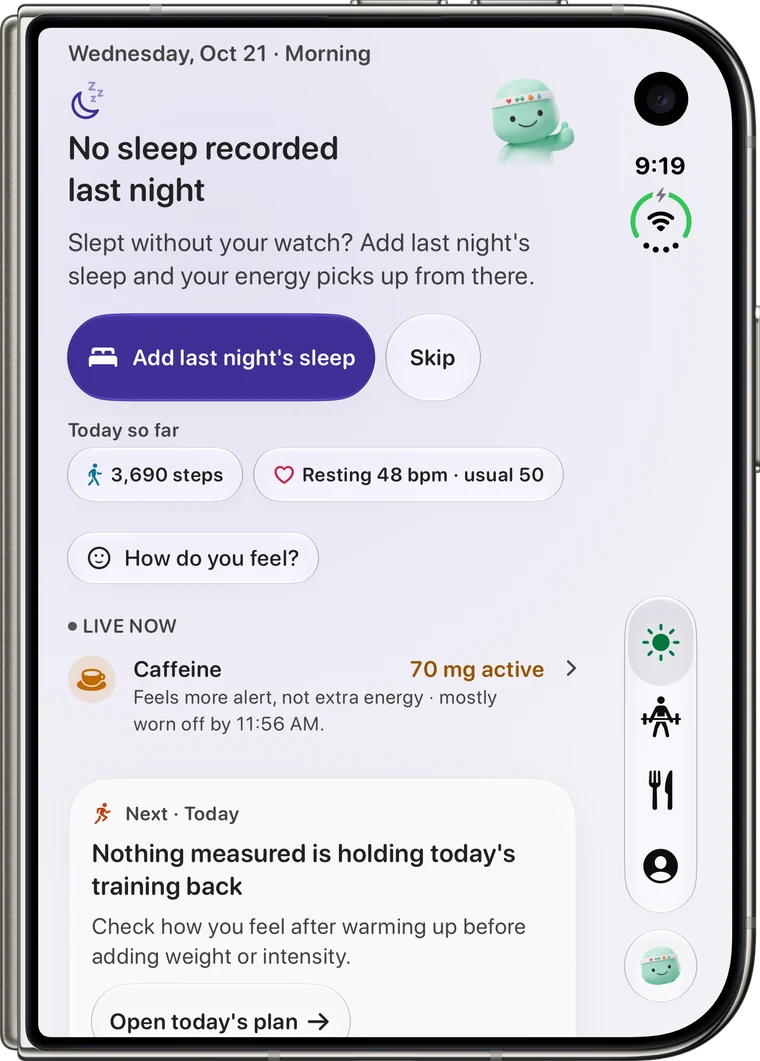
iPhone Duo

Unfold. Reps has room to show its work.

Reps 2.0 is built for the two-pane layout: your day on one side, the detail behind it on the other, so you stop tapping back and forth.

Download on the App Store
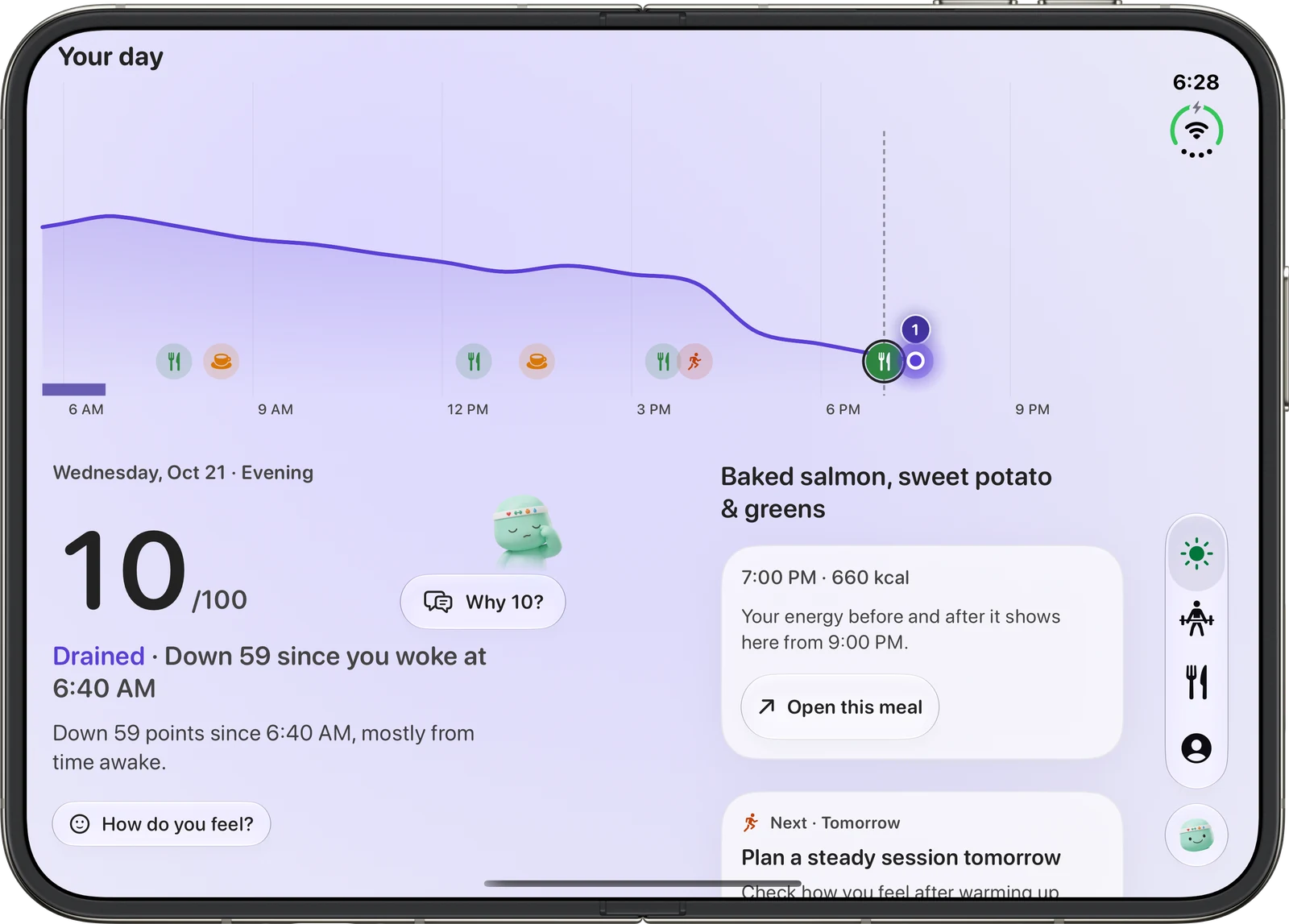
Reps open on iPhone Duo in the evening: the whole day's energy curve with meals, coffee and a workout across the top, today's score on the left and the dinner just logged on the right

Energy

The score on one side, the reason on the other.

Open your energy and the chart, your usual, what you ate and what you drank sit beside it. Nothing to back out of.
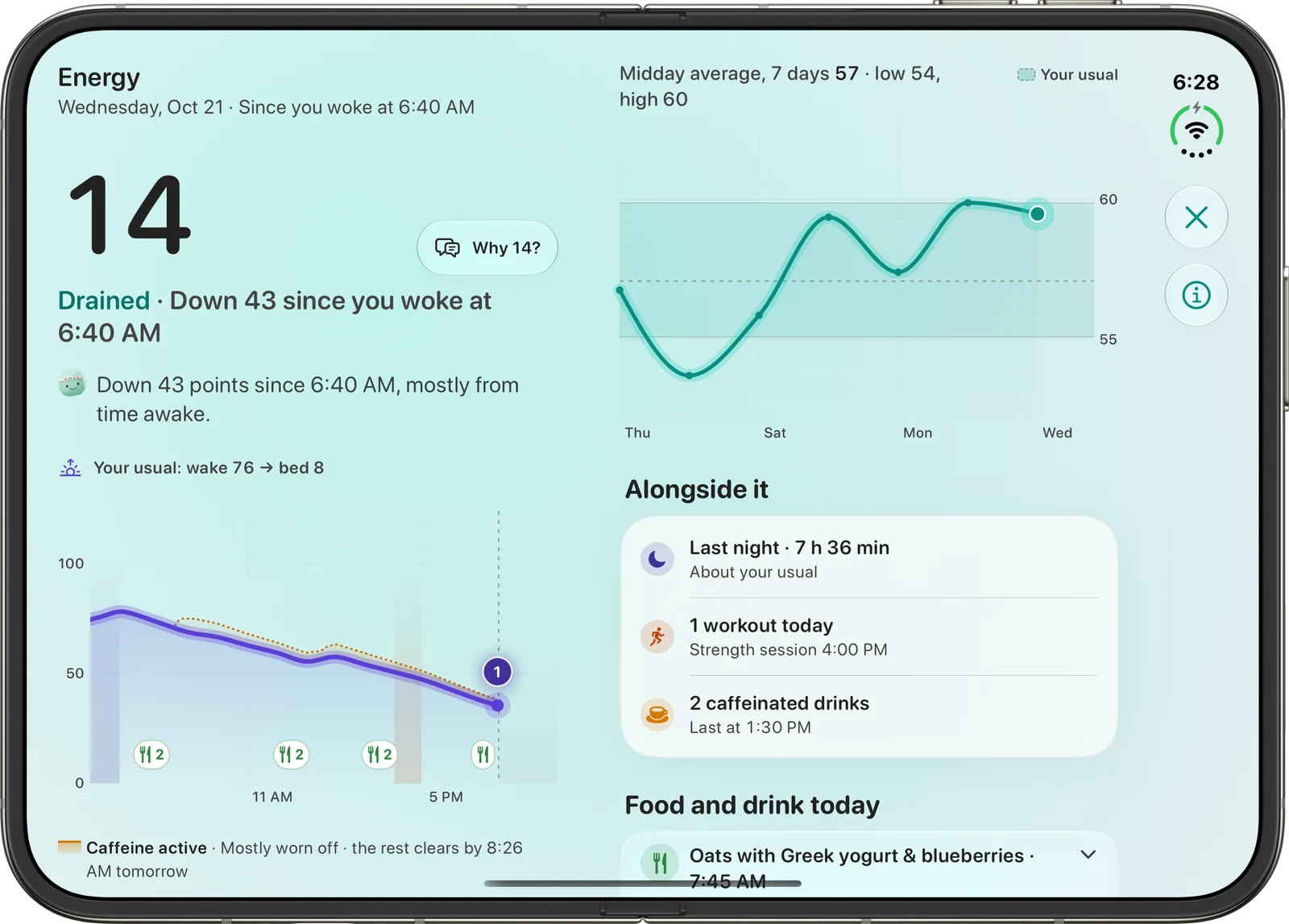
Reps energy detail on iPhone Duo in the evening: the score and the day's chart on the left, the week's midday trend and today's sleep, workout and caffeinated drinks on the right

Sleep

A whole night, laid out.

The stage timeline gets room to breathe next to how the night compares with your usual.
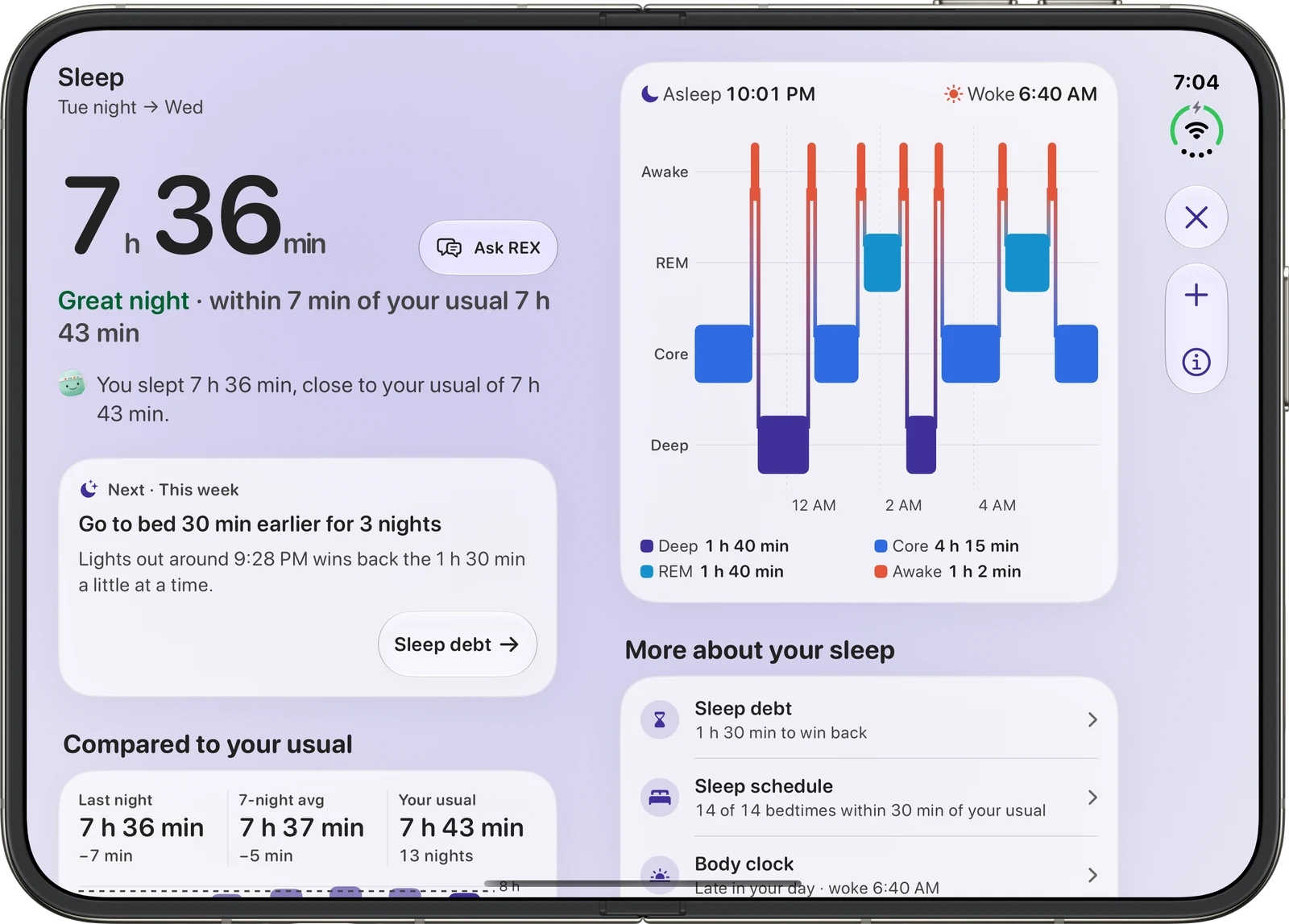
Reps sleep detail on iPhone Duo with last night's summary and a next step on the left and the full stage timeline on the right

REX

Ask, and see what REX can see.

Chat with REX on one pane while the other shows the numbers it is reading for your answer.
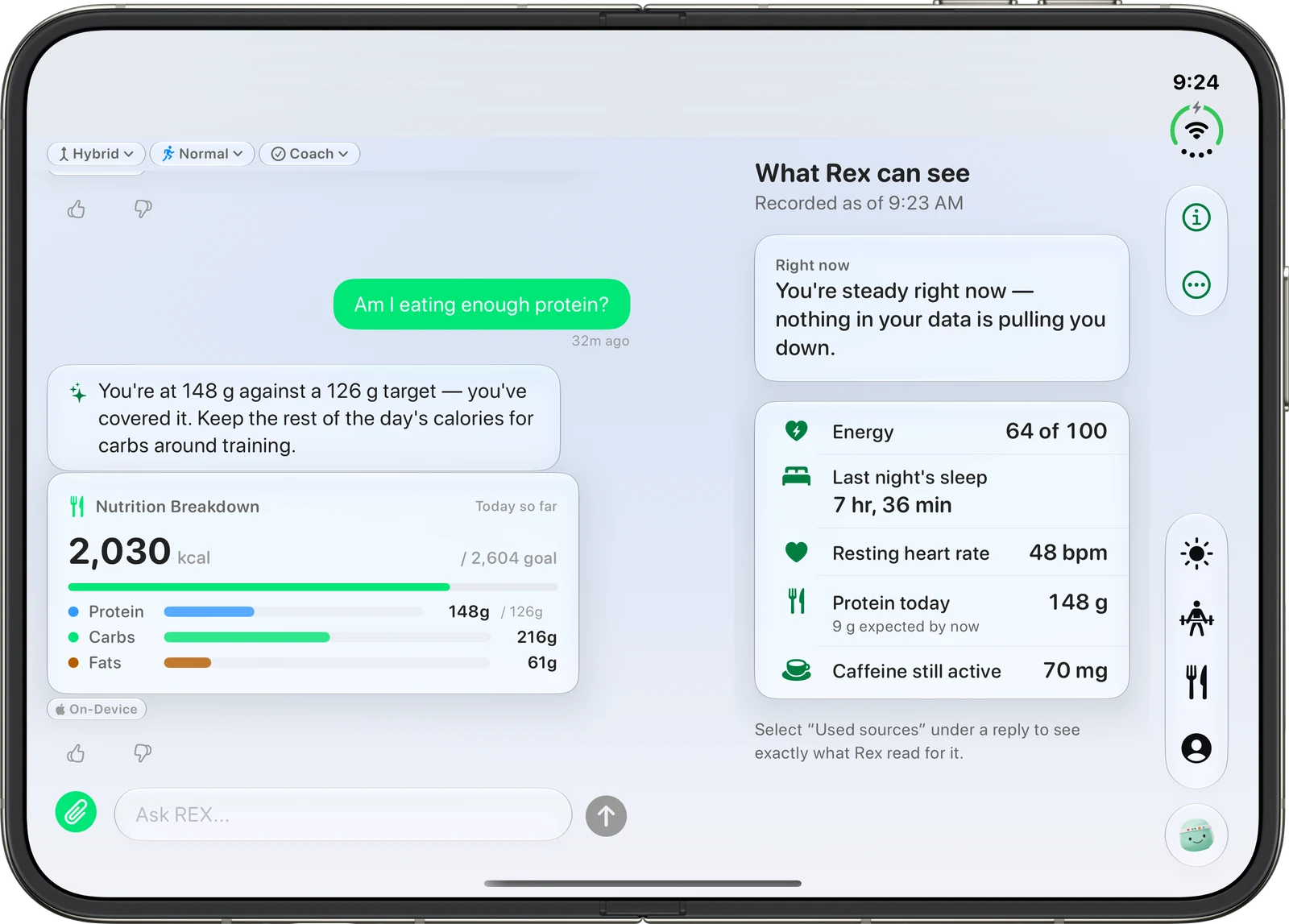
REX conversation on iPhone Duo beside a panel of what REX can see

Nutrition

Log and review at the same time.

Open a meal on the right while your day so far stays visible on the left.
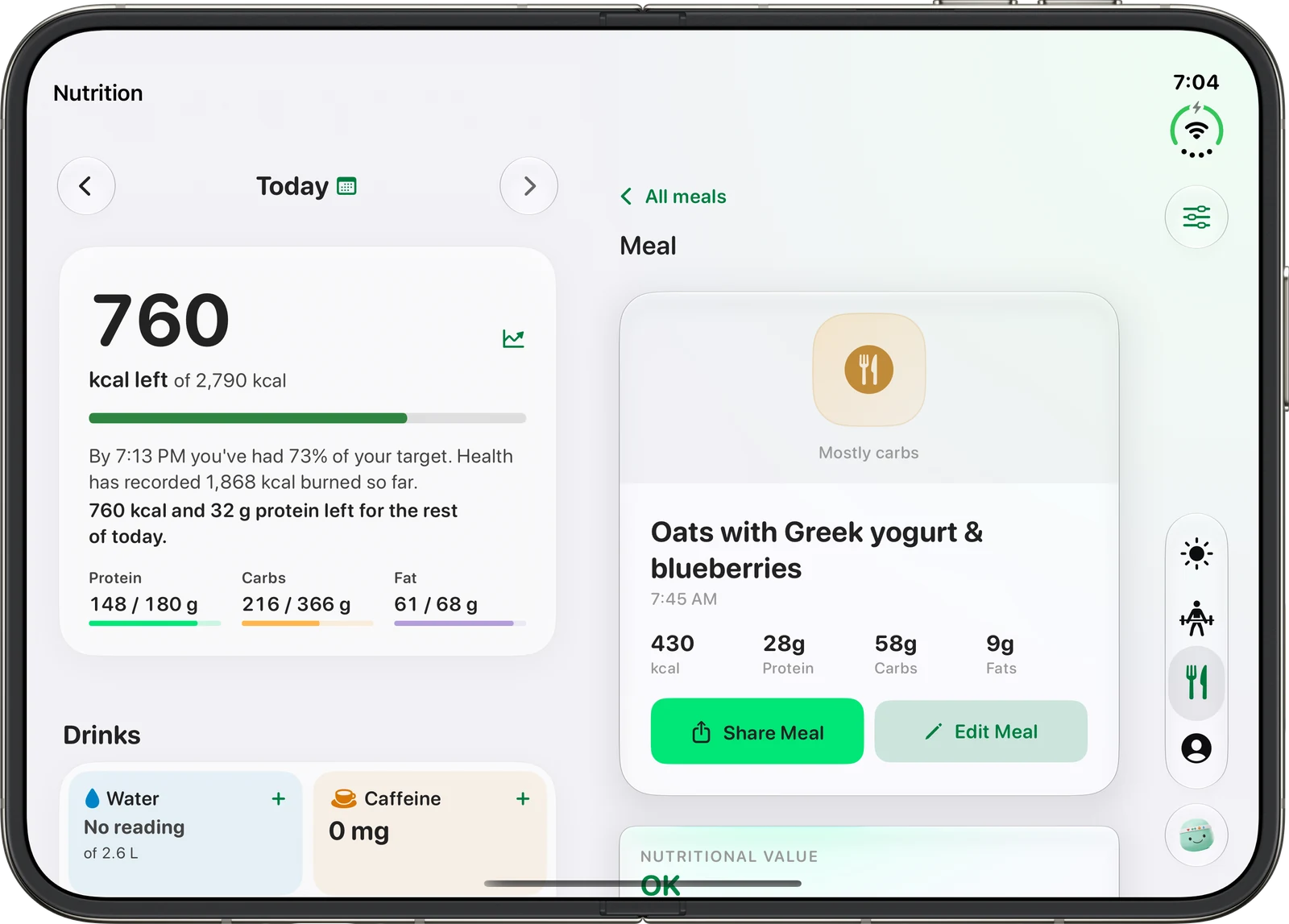
Reps nutrition on iPhone Duo with what is left for today on the left and a logged meal's calories and macros on the right

Folded

Fold it and it is still Reps.

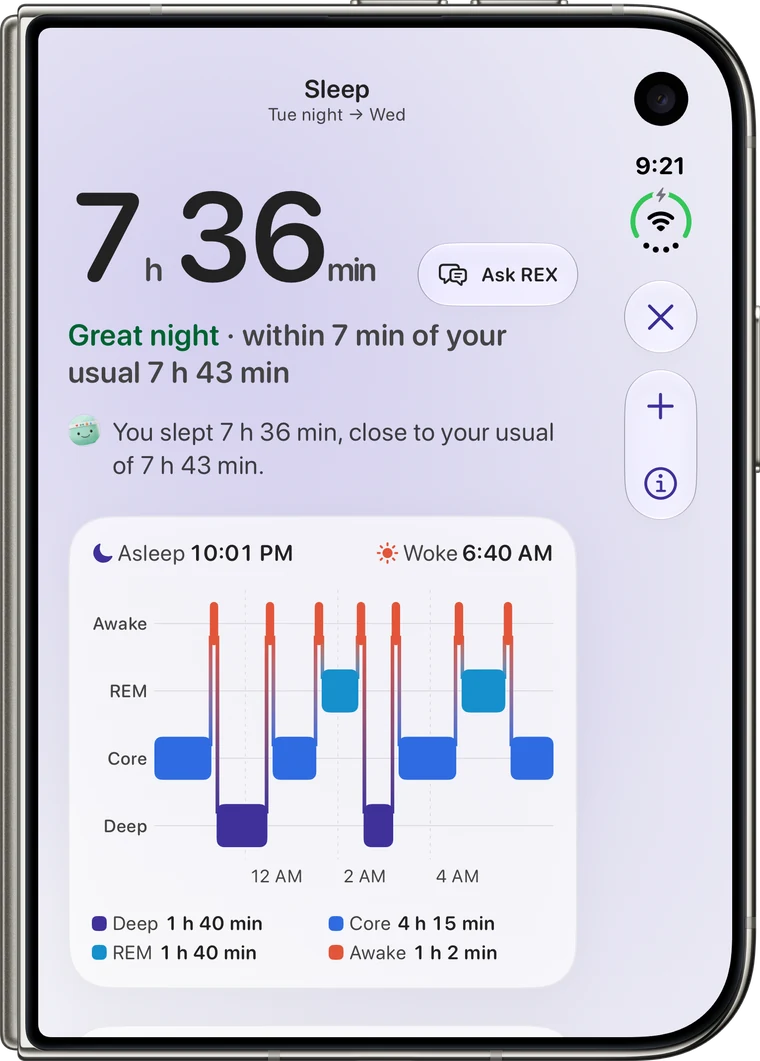
Close iPhone Duo and the app reflows to a single pane. Same screens, same answers, one at a time.
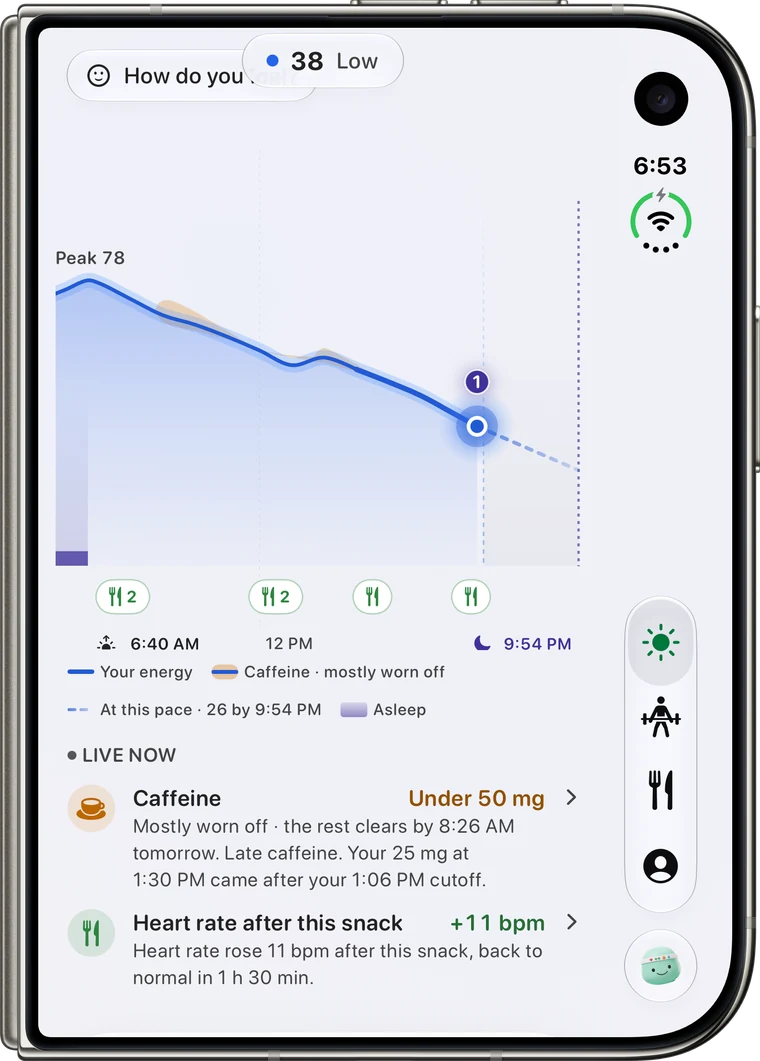
  • Reps Today in the folded single-pane layout on iPhone Duo, with the day's energy curve and what is live now
  • Reps sleep in the folded single-pane layout on iPhone Duo
  • Reps on folded iPhone Duo after a night without the watch, asking to add last night's sleep

Get Reps 2.0.

Download on the App Store